Hey there, smart home enthusiast! 🏠✨
Ever wished you could keep an extra eye on your home even when you're not there? Well, the Dreamehome App has got you covered with its super handy Camera Monitoring feature. It's like having a trusted friend watching over your place! 👀✨
Wanna know how to set it up? Let's dive in!
Step 1: Let's Get Rolling! First things first, fire up that Dreamehome App on your smartphone or tablet. It's your gateway to a smarter home, after all!
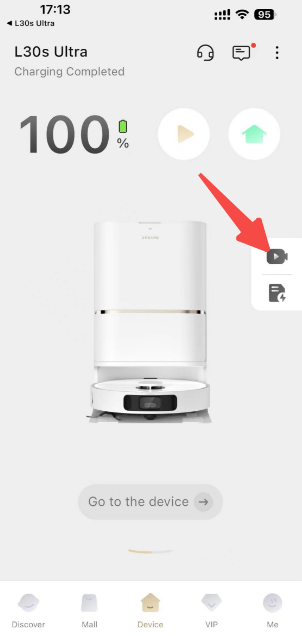
Step 2: Find the 'Camera Monitoring' Gem Once you're in the app, head over to the main menu and spot the "Camera Monitoring" option. Give it a tap – it's the first step to seeing more of your home.
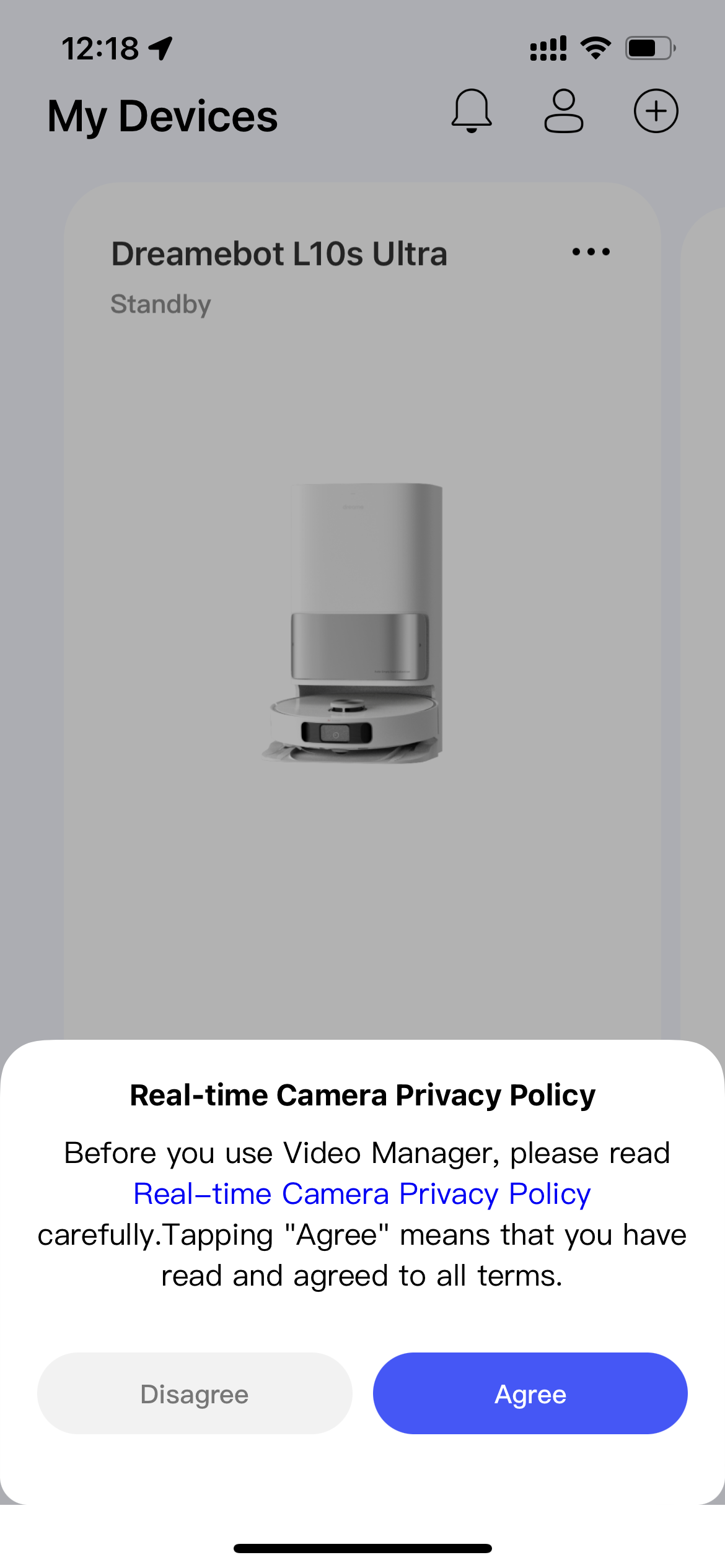
Step 3: Let's Get Legal After tapping on "Camera Monitoring", you'll be greeted with a terms and conditions page. It's just a little formality to make sure we're all on the same page about privacy and how to use this cool feature. Go ahead and tap "Agree" to show you're in the loop.
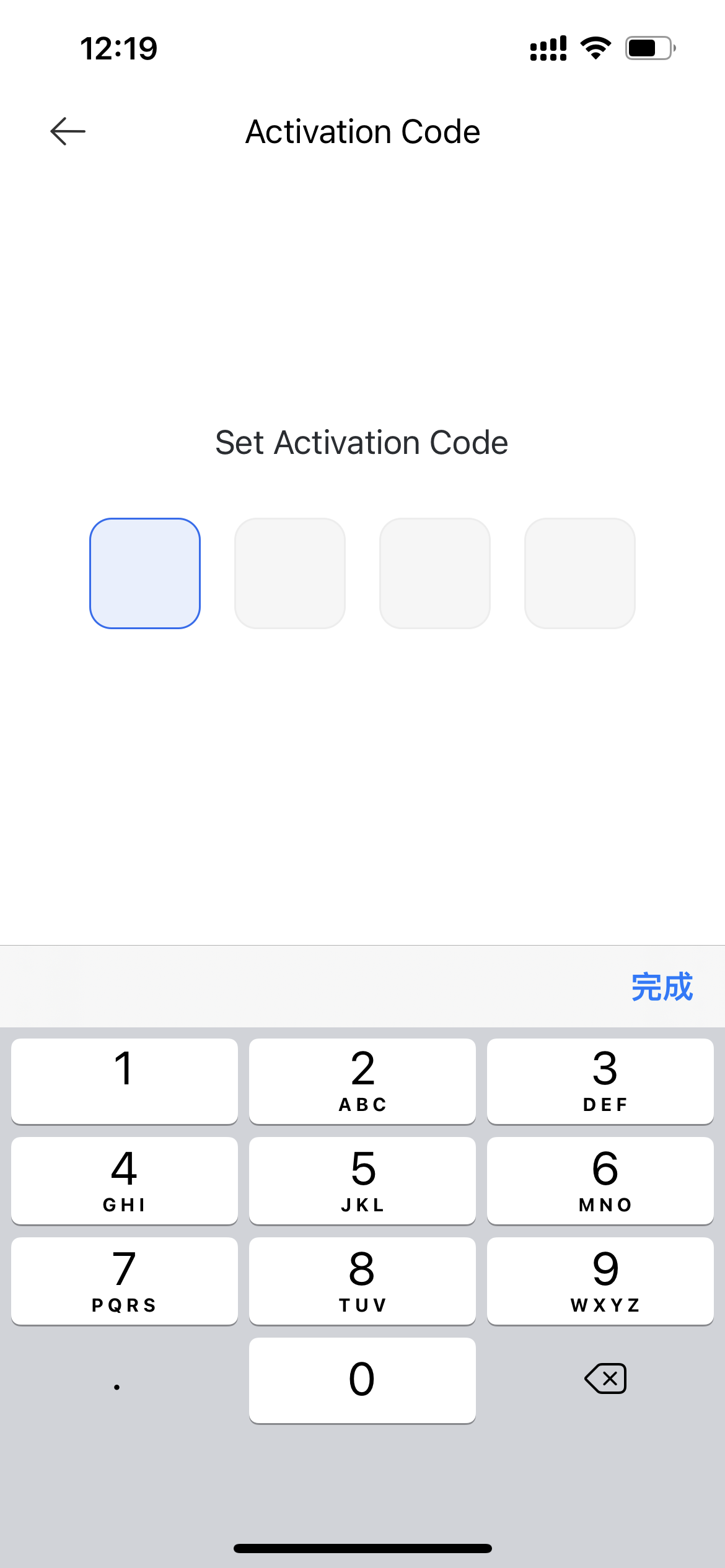
Step 4: Secure Your View with an Activation Code Now, it's time to set an Activation Code. This is your secret key to keeping your camera feed safe and sound, just for you and your授权 users. Enter a code that's easy for you to remember but tough for others to figure out.
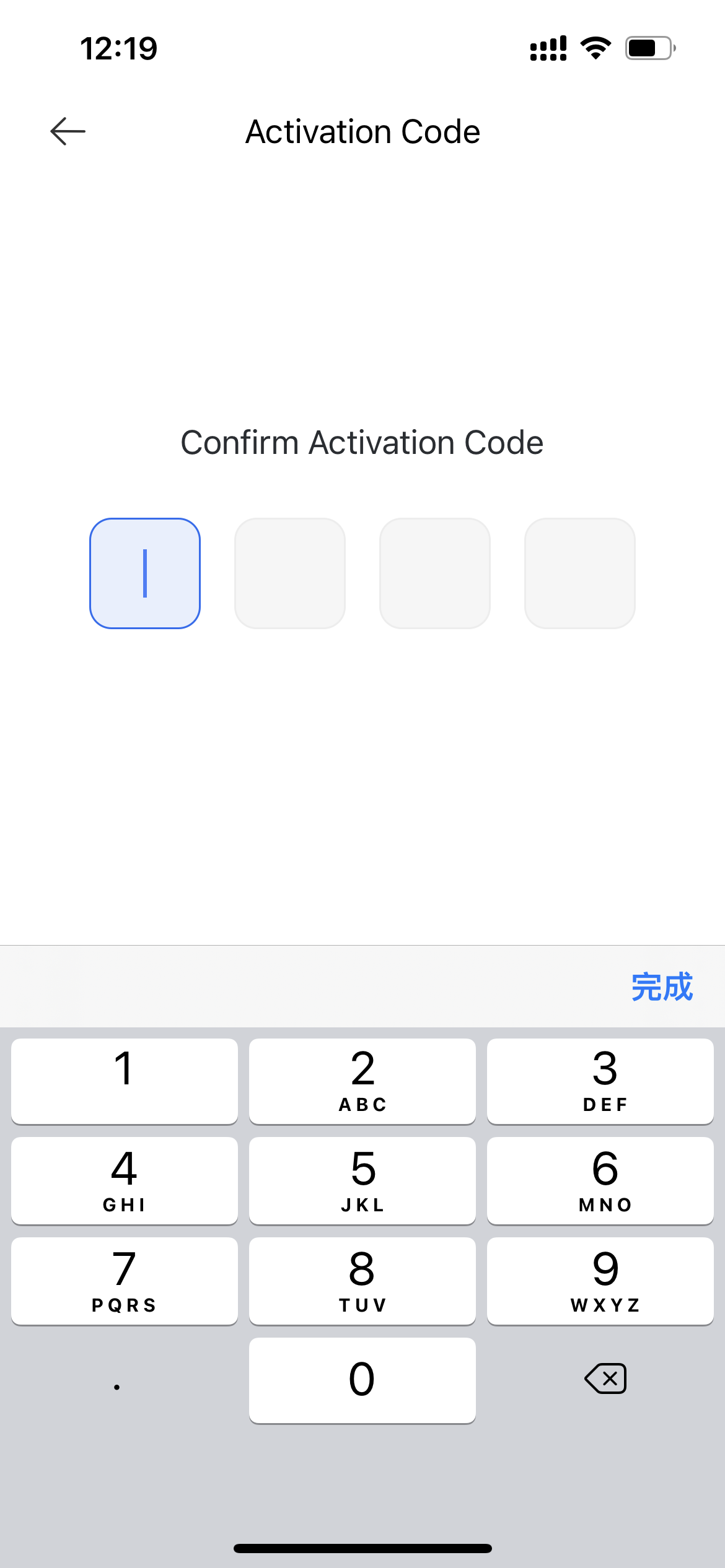
Step 5: Double-Check Your Code You've got your Activation Code? Great! Now, type it in again to make sure it's correct. We don't want any hitches in our home security, right? Once it looks good, hit "Confirm" to lock in your Camera Monitoring feature.
And that's it! You're all set!
Remember, this nifty feature is only available on models with a large base station, like the L10s Ultra, L20 Ultra, L30 Ultra, L40 Ultra, X30 Ultra, X40 Ultra, and X40 Master. Your app might look a little different depending on your model, but don't worry – the steps to activate are the same no matter what.
So there you have it! You're now the proud master of your home's eyes. Keep an eye on things with the Dreamehome App, and enjoy the peace of mind that comes with knowing your home is always in view. 🌟🏡

Comments
0 comments
Please sign in to leave a comment.